How To Block Someone on BeReal?
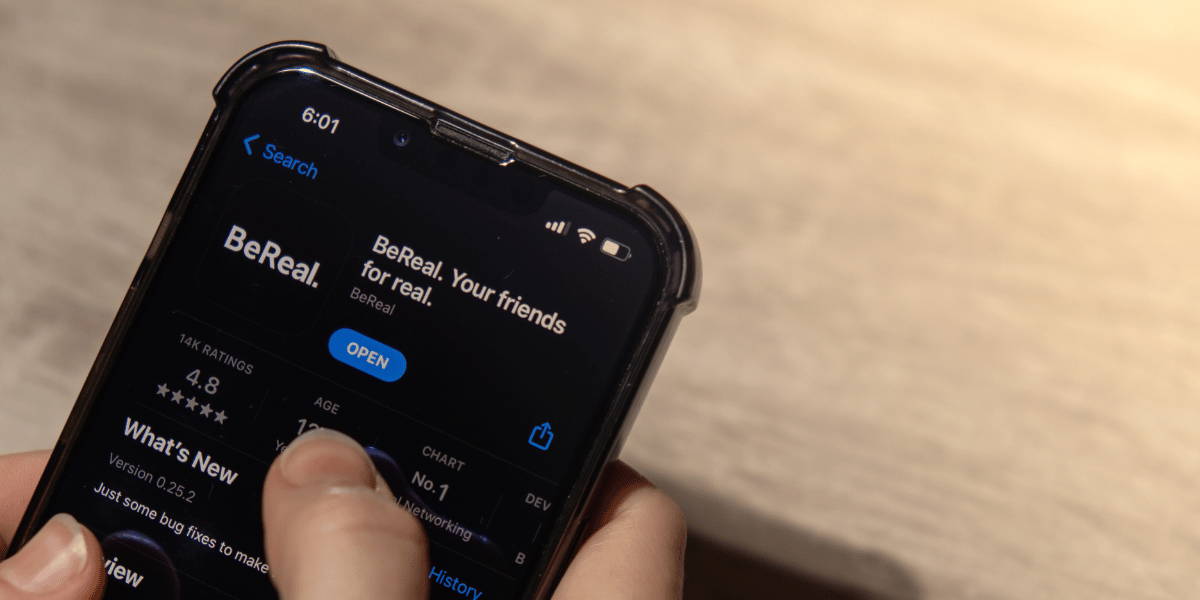
BeReal is an exceptional social media platform that prioritizes authenticity. Its core brand essence lies in its name—BeReal. There’s no need to edit or alter any part of yourself; just embrace your true self. The app allows users to share a single photo each day, featuring both front and back views. As BeReal gains popularity, managing interactions becomes essential. In this blog, I’ll walk you through BeReal’s blocking feature.
When Do You Block Someone On The BeReal App?
Blocking on BeReal
Blocking someone on BeReal can serve various purposes, primarily in response to a negative experience or to maintain privacy. Here are some reasons why users might opt to block someone:
Bullying and Harassment
Encountering harassment or abusive behavior prompts users to block individuals, shielding themselves from further negative interactions. Instances of unwarranted attacks or persistent harassment fall under this category.
Personal Privacy
Blocking is often used to protect personal privacy. Users feeling uneasy about another person’s behavior or suspecting information compromise may resort to blocking for safety.
Unwanted Messages
Blocking helps curb unwanted messages, spam, or unsolicited content, providing relief from intrusive or annoying interactions. The inundation of ads and additional tools can dampen the social media experience.
Violation of App Guidelines
Consistent posting of offensive or guideline-breaking content may lead to users being blocked. This action filters out objectionable material from one’s feed, aligning with BeReal’s community standards and terms of service.
Is Blocking Necessary?
It’s a case-by-case situation. Blocking becomes essential if someone is spamming or bullying you. However, in minor conflicts among friends, it might not be necessary. Sometimes, in the heat of the moment, we block someone, but later regret it. Therefore, the necessity of blocking depends on the specific circumstances at hand.
How Do You Unfriend Someone From Your Friends List on BeReal?
Here’s how you can remove someone from your friends list on BeReal:
- Open your BeReal homepage. If you’ve recently installed the app, input your name, birthdate, and mobile number for authentication to access the homepage. If you’re already signed in, simply open the homepage.
- At the bottom, locate and tap the ‘Add Friends’ option.
- On the next page, choose ‘Friends,’ which is the second option at the bottom.
- Your friend list will display. Select the friend you want to remove.
- Tap on ‘More options,’ often represented as three vertical dots next to a person’s profile.
- Choose ‘Remove friendship’ from the options.
- A confirmation page will appear asking for assurance for the removal action. Tap ‘confirm’ to proceed and remove the friendship.
How to Block Someone on BeReal?
Here are the steps to block a user from accessing your BeReal account:
- Locate the person you want to block within your BeReal user account. If it’s a friend you want to block, navigate to your friends’ list and block them from there. If you found the person through Discovery, access their account from there.
- Once you have the profile of the person you want to block open, tap on the ‘more options’ represented by three vertical dots.
- From the list of options, select ‘block,’ usually the second option available.
- Confirm the process by tapping ‘confirm’ to finalize the block.
Want to Unblock Someone After Blocking Them?
It’s a common struggle for social media users: to block or not to block. One commendable aspect of BeReal is its seamless transition between blocking and unblocking. With just a simple click, you can reverse the block. It’s quite fascinating when you consider the long-term perspective.
How to Unblock?
- Return to the profile of the person you blocked.
- Access their profile and tap on the ‘more options’—it’s represented by three vertical dots on the far right of their profile photo.
- Select the ‘Unblock’ option. You’ll find the ‘Unblock’ bar just below the profile page.
How to Know If Someone Blocked You on BeReal?
Here are some telltale signs that indicate someone has blocked you on BeReal:
- Missing from Friends List: If a user who was previously on your friends’ list suddenly disappears, they might have blocked you. They won’t be visible in your friends’ list anymore.
- Posts Absence on Discovery: If you regularly interacted with the person but can’t see their posts on the ‘Discovery’ section, it’s a sign that you might have been blocked.
- Limited Engagement: Even if you manage to manually access their profile, you won’t be able to leave comments. Your interaction will be limited to emojis only.
Any solution?
If someone has blocked you on BeReal, they likely have their reasons for doing so. If you know them outside the virtual realm, it might be worth asking them directly for clarification. Alternatively, you could approach their friends who use BeReal to understand the situation. However, it’s important to respect their decision and not pressure them to unblock you.
Pursuing someone for an unblock, especially persistently, might be considered online harassment or cybercrime. It’s a vast internet world—focus on fostering genuine connections and relationships rather than fixating on an unblock.
Conclusion
In this article, I’ve guided you through the process of blocking, unfriending, and unblocking users on BeReal. Whether it’s a friend or not, you’ll discover all the steps for managing connections. Additionally, I’ve emphasized the significance of not pressuring someone to unblock you. Attempting to force someone to unblock you could be considered a criminal offense.